
The Price of Bitcoin Mining Software in 2024
September 17, 2026
NFT Marketplace
September 18, 2026
In the world of cryptocurrency, securing your digital assets is paramount. While software wallets offer convenience, hardware wallets provide a significantly higher level of security, primarily through offline storage – often called “cold storage.” This article details why and how hardware wallets leverage offline functionality to protect your crypto.
What is a Hardware Wallet?
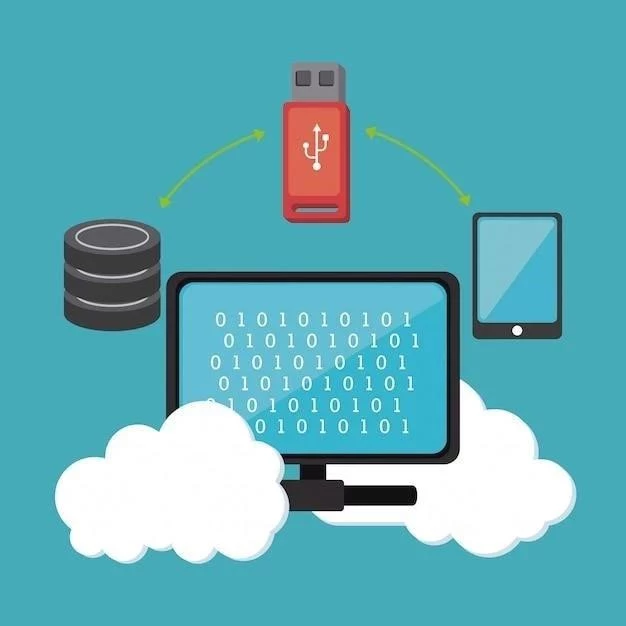
A hardware wallet is a physical device, resembling a USB drive, designed to store your private keys – the crucial information needed to access and spend your cryptocurrency – offline. Unlike software wallets which reside on internet-connected devices (computers, phones), hardware wallets keep your keys isolated from potential online threats.
Why Offline Security Matters
The internet is rife with malware, phishing attacks, and hacking attempts. Software wallets, being connected, are vulnerable to these threats. If a hacker gains access to your computer, they could potentially steal your private keys and drain your wallet.
Offline storage eliminates this risk. Because the private keys never leave the device and aren’t exposed to the internet, hackers have no way to access them remotely. Transactions are signed within the hardware wallet itself, meaning your keys never touch your computer.
How Hardware Wallets Stay Offline
- Secure Element: Most hardware wallets utilize a secure element, a specialized chip designed to protect sensitive data like private keys.
- Firmware: The wallet’s operating system (firmware) is designed with security as a top priority, minimizing attack surfaces.
- Transaction Signing: When you want to send crypto, the transaction details are sent to the hardware wallet. You verify the details on the device’s screen, and then physically confirm the transaction using buttons on the wallet. The signing process happens inside the device.
- PIN Protection: Hardware wallets require a PIN to access them, adding another layer of security.
Popular Hardware Wallet Options
- Ledger Nano S/X: Widely popular, supports numerous cryptocurrencies.
- Trezor Model T/One: Another leading brand, known for its open-source nature.
- KeepKey: Focuses on simplicity and security.
Setting Up & Using a Hardware Wallet
The setup process typically involves:
- Purchasing the wallet directly from the manufacturer.
- Initializing the device and creating a seed phrase (a backup of your private keys). Keep this seed phrase safe and offline!
- Installing the wallet’s companion software on your computer.
- Connecting the wallet to your computer via USB.
Important Considerations
While incredibly secure, hardware wallets aren’t foolproof. Protect your seed phrase at all costs. Also, always purchase directly from the manufacturer to avoid compromised devices.