
Gemini Lists on Nasdaq: A Milestone for Crypto ETFs
November 1, 2026
The Ultimate Guide to 6-Card Holder Wallets
November 2, 2026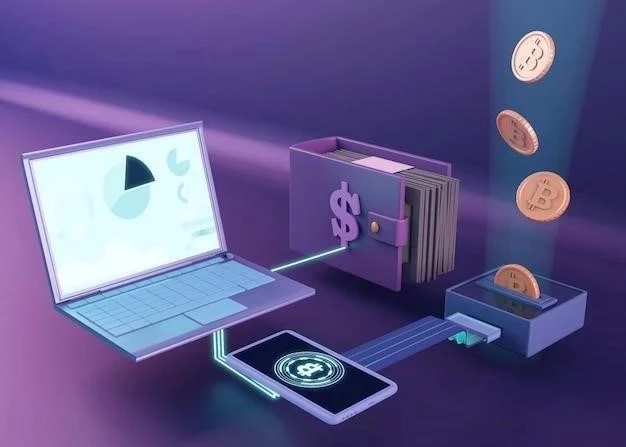
In the rapidly evolving world of cryptocurrency‚ security is paramount. While exchanges and software wallets offer convenience‚ they are vulnerable to hacking and online threats. A hardware wallet provides a significantly more secure solution for storing your digital assets. This article details why using a hardware wallet is crucial and how it protects your cryptocurrency.
What is a Hardware Wallet?
A hardware wallet is a physical device‚ often resembling a USB drive‚ that stores your private keys – the crucial piece of information needed to access and spend your cryptocurrency – offline. This “cold storage” method dramatically reduces the risk of online attacks. Unlike software wallets (desktop‚ mobile‚ or web-based)‚ your private keys never touch the internet while stored on a hardware wallet.
Why Use a Hardware Wallet?
- Enhanced Security: The primary benefit. Offline storage shields your keys from malware‚ phishing attacks‚ and remote access attempts.
- Protection Against Hacking: Even if your computer is compromised‚ your crypto remains safe as the keys are not stored on it.
- Transaction Verification: Hardware wallets require physical confirmation on the device itself for every transaction‚ preventing unauthorized spending. You visually verify the address and amount on the device’s screen.
- Immunity to Keyloggers: Keyloggers can’t capture your private keys because you enter your PIN directly on the device.
- Backup & Recovery: Hardware wallets provide a seed phrase (a series of words) that allows you to recover your funds if the device is lost‚ stolen‚ or damaged.
How Does a Hardware Wallet Work?
When you want to make a transaction:
- You connect the hardware wallet to your computer.
- You initiate a transaction through your software wallet (e.g.‚ MetaMask‚ Electrum).
- The transaction details are sent to the hardware wallet.
- The hardware wallet displays the transaction details on its screen for you to verify.
- You physically confirm the transaction on the device using its buttons.
- The hardware wallet signs the transaction with your private key (which never leaves the device) and sends it to the blockchain.
Popular Hardware Wallet Options
- Ledger Nano S Plus/X: Widely popular‚ supports a vast range of cryptocurrencies.
- Trezor Model T/One: Another leading brand‚ known for its open-source nature.
- SafePal S1: Air-gapped hardware wallet offering strong security.
- KeepKey: Simple and user-friendly option.
Setting Up Your Hardware Wallet
The setup process generally involves:
- Purchasing the device directly from the manufacturer (avoid third-party sellers).
- Initializing the device and creating a PIN.
- Writing down and securely storing your seed phrase. Never share this phrase with anyone!
- Installing the necessary software and connecting the wallet to your computer.
Important Security Practices
- Buy Directly: Purchase only from the official manufacturer’s website.
- Secure Seed Phrase: Store your seed phrase offline‚ in a secure location‚ and consider using metal backups.
- Firmware Updates: Keep your hardware wallet’s firmware updated to benefit from the latest security patches.
- PIN Protection: Use a strong and unique PIN.
Investing in a hardware wallet is a crucial step in protecting your cryptocurrency. While it requires a small upfront cost‚ the peace of mind and security it provides are invaluable; Don’t wait until it’s too late – secure your digital future today!